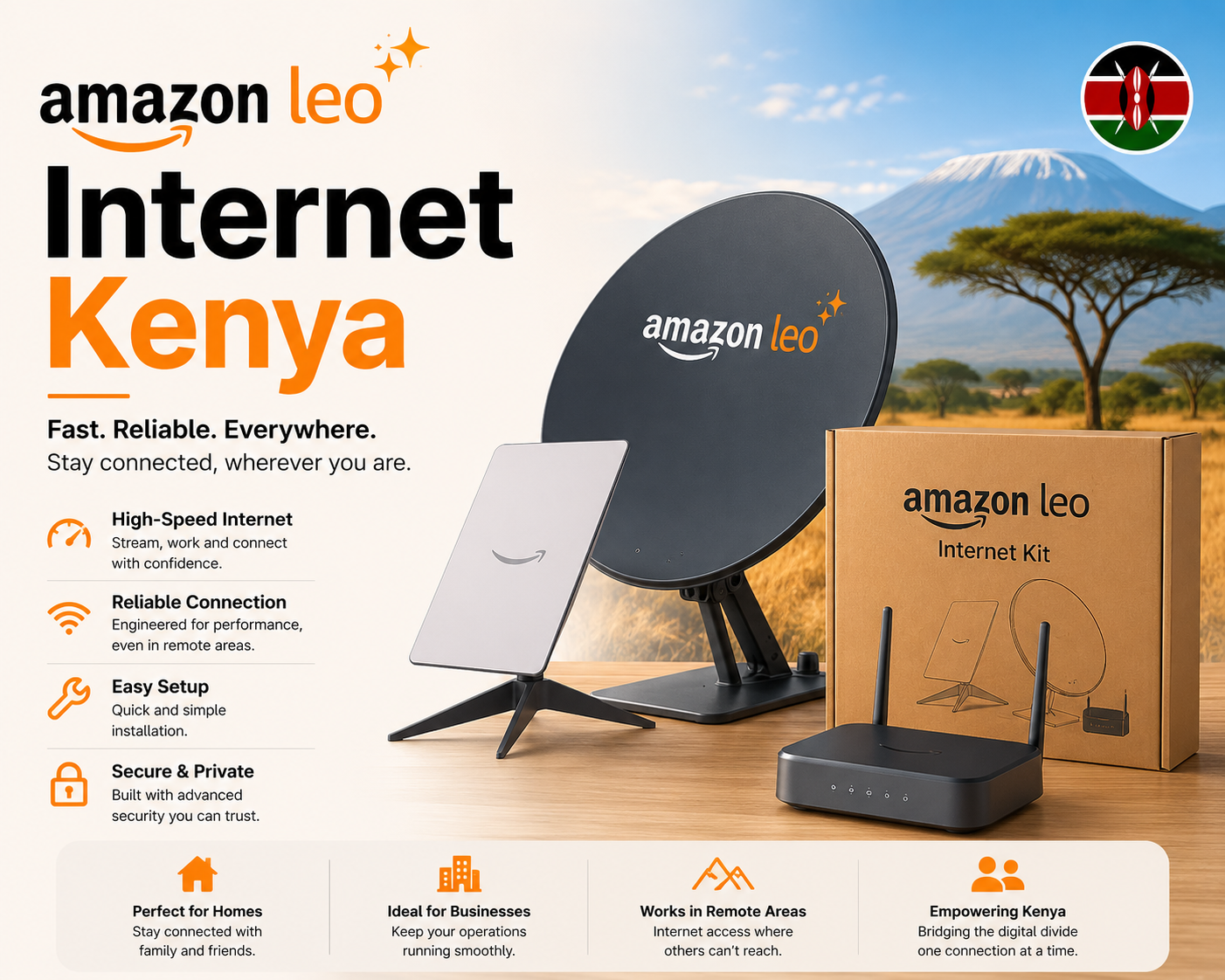
Amazon LEO internet works by connecting a customer terminal at your home, office, school, farm, lodge, clinic, or remote site to low Earth orbit satellites. The terminal communicates with satellites overhead, the satellites connect through ground infrastructure, and your router distributes internet to phones, laptops, smart TVs, payment devices, CCTV systems, and business tools.
The customer experience is shaped by more than the satellite signal. Package choice, installation quality, clear sky view, router placement, power stability, cabling, Wi-Fi coverage, and user load all affect how well the connection performs. Before choosing a plan, compare Amazon LEO Internet Packages in Kenya and review Amazon LEO Internet Prices in Kenya.
Step 1: Check the Use Case
The first step is to define what the connection is for. A home plan for streaming and remote work is different from a business link for payments, cloud systems, guest Wi-Fi, and backup internet. A remote school, clinic, farm, or lodge may need a more careful installation plan because power, roof access, cable distance, and user numbers can be more demanding.
Good planning starts with simple questions: Where is the site? How many people will connect? What devices will be online? Is this the main connection or a backup? Is there reliable electricity? Are there tall trees, nearby buildings, or roof restrictions? The answers shape the package and installation approach.
Step 2: Choose the Right Package
Amazon Leo is expected to serve different user categories through different hardware and plan choices. Homes may need affordability and simple Wi-Fi. SMEs may need stability and support. Remote sites may need rugged installation and wider coverage. Enterprise customers may need higher capacity, monitoring, security, and integration with existing systems.
The cheapest option is not always the best option. A weak package can become expensive if it causes downtime, slow speeds, poor video calls, failed payments, or repeated support visits. Choose based on real usage, not only on the lowest advertised monthly cost.
Step 3: Prepare the Site
The terminal needs a clear view of the sky and a secure mounting point. The installer may need roof access, a wall mount, pole mount, safe cable routing, and a suitable place for the router. Customers should also think about power sockets, surge protection, backup power, and whether the router can cover the whole building.
For larger homes, offices, lodges, or schools, a single router may not be enough. Mesh Wi-Fi or additional access points may be needed. Professional installers such as Satellite Internet Installers can help assess mounting, cabling, and Wi-Fi coverage.
Step 4: Install and Test
During installation, the terminal is mounted, aligned, connected to power, and linked to the router. The installer should test the connection, confirm Wi-Fi coverage, check device access, and explain basic troubleshooting. Business customers should also confirm payment systems, cloud apps, CCTV, staff devices, and guest Wi-Fi if those are part of the setup.
Testing should happen in the real rooms and work areas where users will connect. A speed test beside the router is not enough if staff, students, guests, or family members will use the connection from other parts of the building.
Step 5: Use, Monitor, and Improve
After installation, customers should monitor performance during normal use. Note peak hours, weak Wi-Fi areas, device overload, power issues, and any recurring interruptions. Some problems are not satellite problems; they may be router placement, poor indoor coverage, too many connected devices, or unstable power.
For comparisons and wider context, you can read Amazon LEO Internet Kenya, Amazon LEO Internet Packages, and this guide to compare Starlink with Amazon LEO.